

Skip to content
Residential buildings as a background for the support page
Digital customer service

Targeted support for efficient handling of your request

Customer portal, app and AI assistance get you to the right place quickly: follow-up questions can be classified directly, tickets tracked at any time, and documents viewed around the clock.

24/7

Available anytime

Portal & app around the clock

Live

Quick overview

Tickets, follow-up questions & status in one place

SOS

Reachable by phone

Always there for you in emergencies

Minimalist workspace with laptop and notebook

Support

Digital, fast & personal

Recommended

Customer portal & app

The central access point for documents, follow-up questions, damage reports and status.

  • Documents stored in a structured and clear way
  • Ticket status and feedback available directly
  • Appointments, notices and current property topics visible at any time
Guided assistance

AI chat

The AI chat helps you capture and phrase your request.

  • Available anytime
  • Fast help for owners and tenants
  • Easy capture of your request
Emergency only

Telephone & SOS

For urgent matters that can only be clarified by phone or for acute emergencies.

  • Phone call for urgent topics
  • Emergency line for acute WEG emergencies
  • Always call 110/112 in dangerous situations

Process

How support works at proWEGio

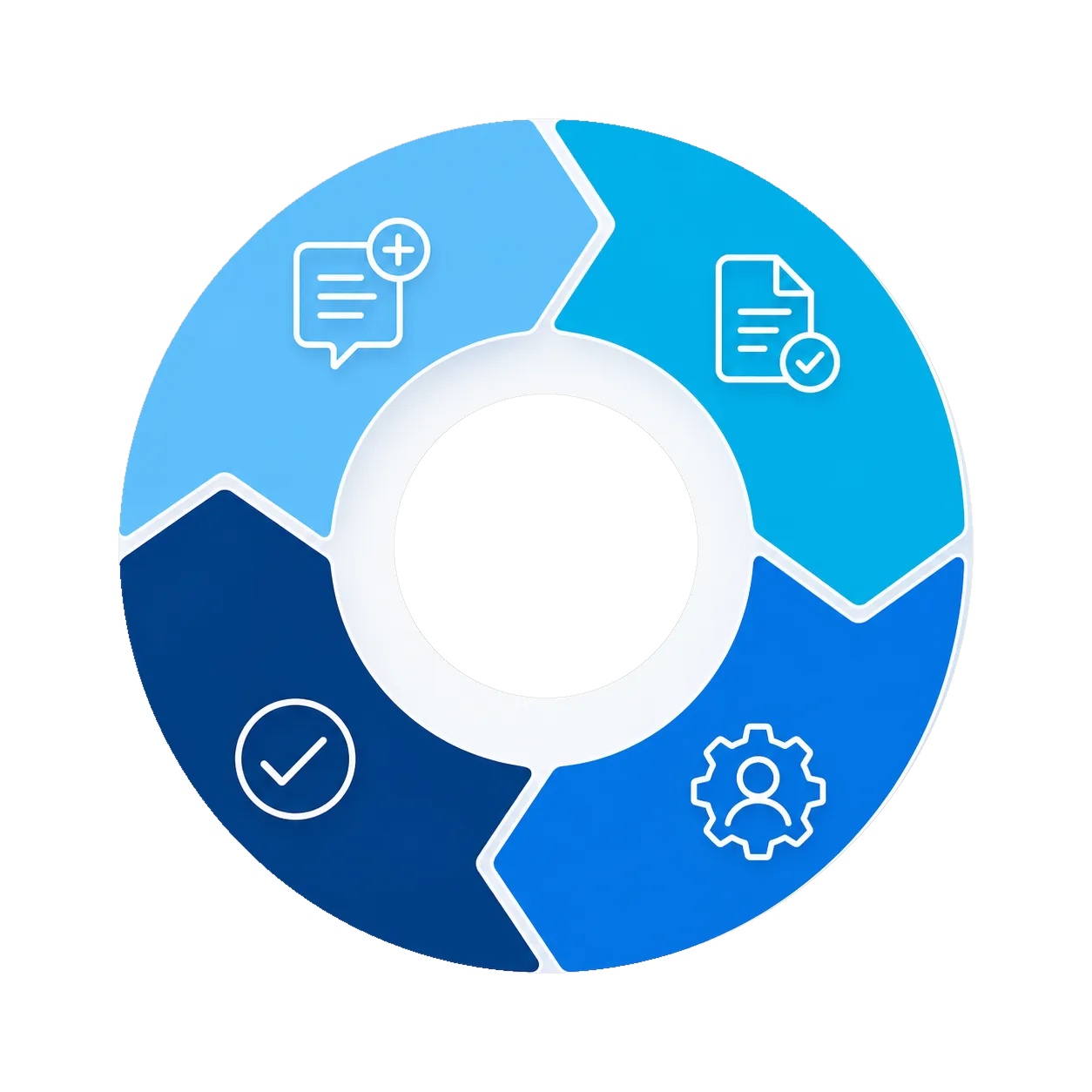
Graphic representation of the support process as a four-part ring with matching symbols
1

Report your concern through the right channel

Use the portal or app to submit your concern directly or via AI chat. In an emergency, report it by phone.

2

Capture information completely

Documents, photos, follow-up questions and responsibilities stay bundled directly with the case.

3

Process the request efficiently

Requests are handled in a structured way and status updates are returned transparently.

4

Close the case

After processing, the case is cleanly closed, documented and archived transparently in the portal.

Orientation

Which channel suits which concern?

Documents & Information

Statements, minutes, contracts and other documents.

Portal

Start in the customer portal. There you can find your documents, current appointments and further information.

General question or coordination

A short follow-up question about a case or a quick message to management.

Chat

For short clarifications, chat is the fastest route.

Issue without acute danger

Damage, complaints, certificates, requests and changes to personal details.

Portal / Chat

Use a guided ticket or chat. Photos and a description can be added there directly.

Acute emergency

For example water damage or loss of hot water or heating.

Emergency line

Use the emergency line for real emergencies at the property. In case of fire, smoke or danger to people, always contact 110 or 112 directly.